___ ___ .____ .__ __ / | \ ___.__.______ ___________| | |__|/ |_ ____ / ~ < | |\____ \_/ __ \_ __ \ | | \ __\/ __ \ \ Y /\___ || |_> > ___/| | \/ |___| || | \ ___/ \___|_ / / ____|| __/ \___ >__| |_______ \__||__| \___ > \/ \/ |__| \/ \/ \/
No API keys. No usage tracking. No network after the initial model download. Everything runs on your hardware — inference, search, memory, git operations.
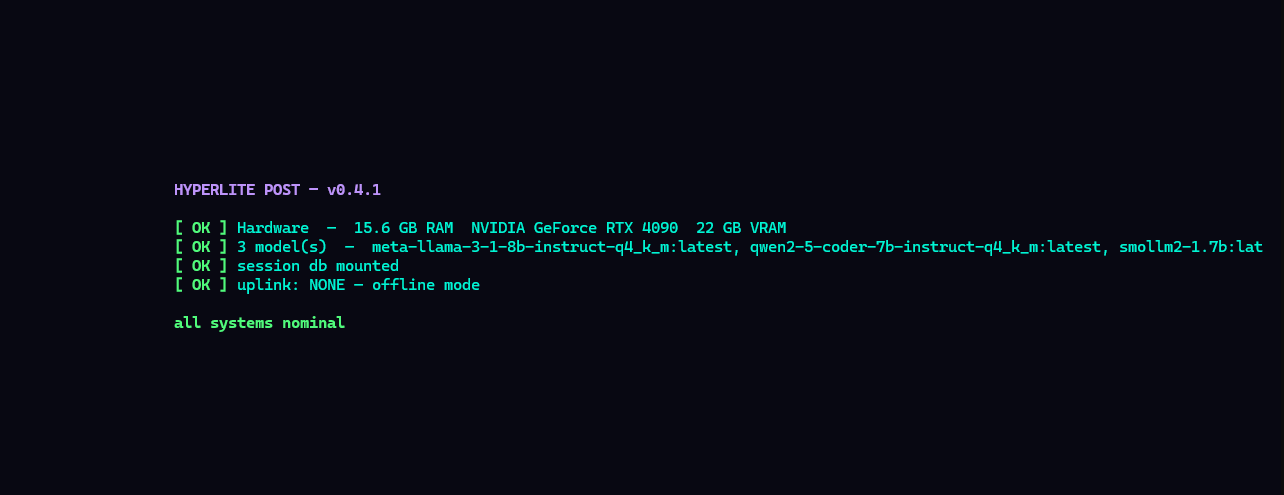
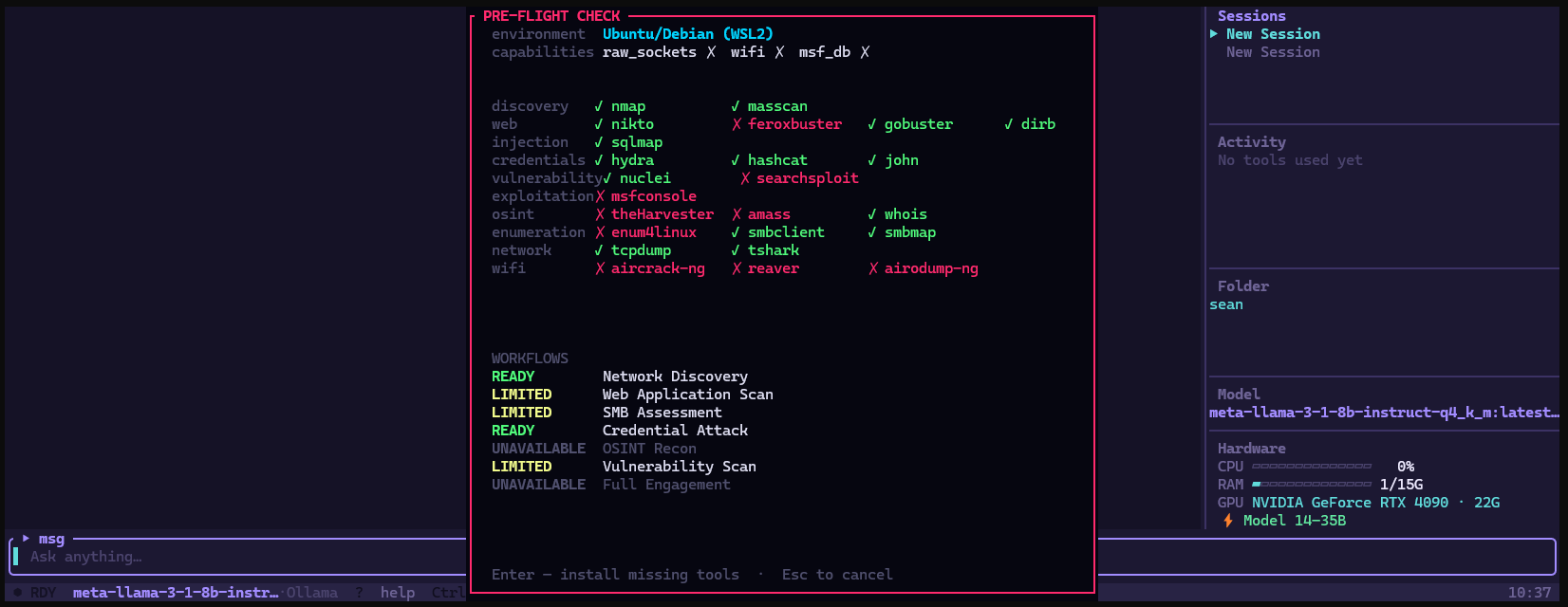
On Linux and WSL2, HyperLite detects your GPU at startup and routes inference through Ollama automatically — full CUDA on NVIDIA, ROCm on AMD. A 7B model on an RTX 4090 runs at 40–60 tok/s. On CPU the same model does 3–5. If Ollama isn't installed, HyperLite installs it. Context window size is derived from your actual VRAM — not a hardcoded default.
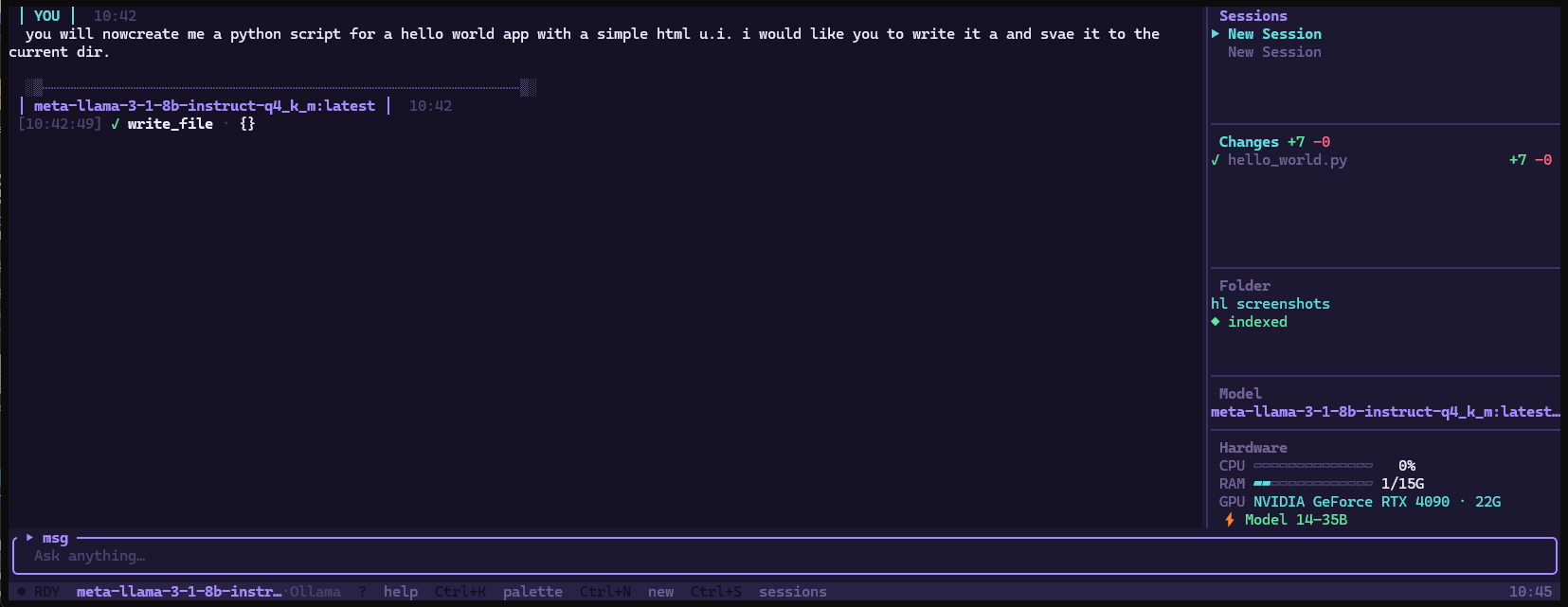
36 tools — files, shell, web, git, documents, system, RAG, memory. The model reads, writes, searches, and chains multi-step tasks. Every file write is intercepted and shown as a diff before anything touches disk.
Read and write — status, log, diff, blame, add, commit, push, pull, branch, stash. When a push or pull fails because credentials aren't set up, a guided dialog walks you through creating a GitHub token and stores it via git's own credential system. Nothing is stored by HyperLite directly.
Read PDFs, parse CSVs with per-column stats, scrape web pages into clean readable text, manage Markdown task lists, check what's using your ports, see what's consuming RAM. Tools that handle the things people actually run into.
Enable sandbox mode and shell commands run inside bubblewrap — the working directory is mounted read-write, everything else is isolated. Changes to home, tmp, and root don't persist. If bubblewrap isn't installed, HyperLite installs it.
Index an entire repo with local embeddings. Relevant chunks are retrieved and injected before each message — semantic search over your whole project, fully offline.
Save facts the model carries across every session — preferences, project details, recurring patterns. Stored in SQLite, retrieved by semantic similarity at the start of each conversation.
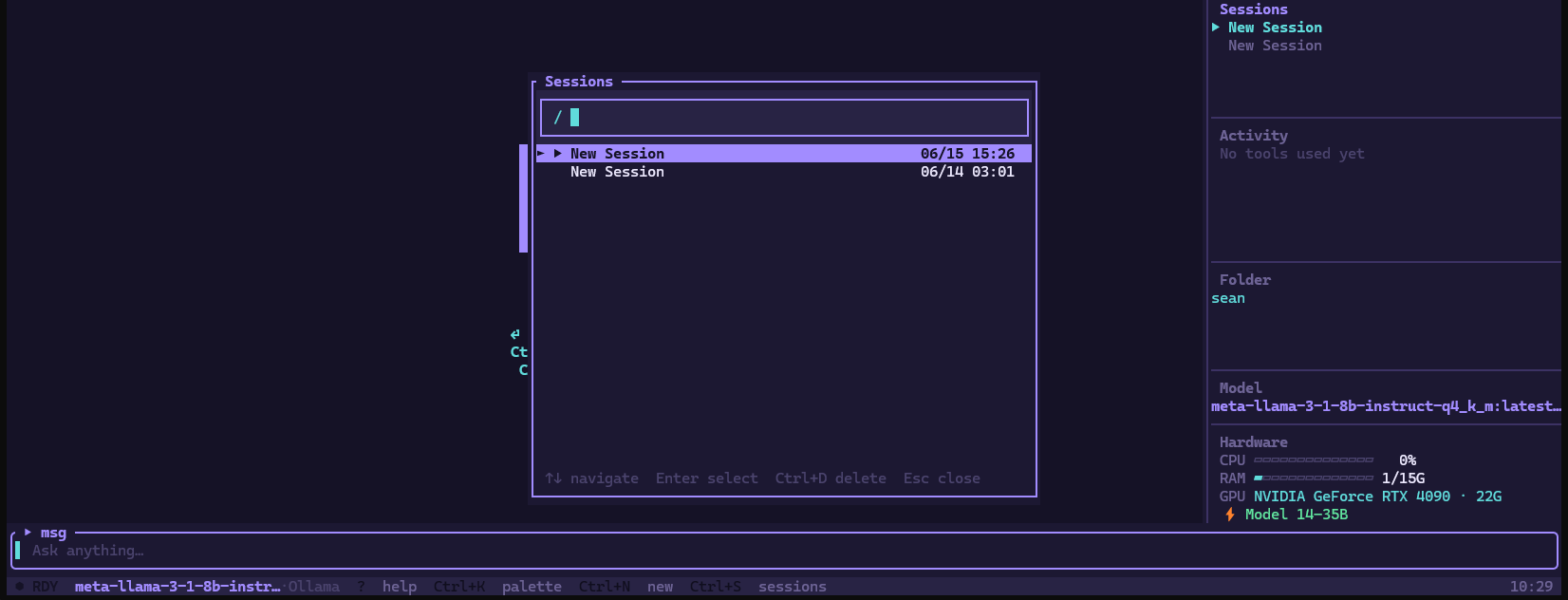
Every conversation in SQLite. Switch models mid-session and HyperLite compacts the full history into a clean summary before handing off — the new model starts with accurate context, not a confused transcript.
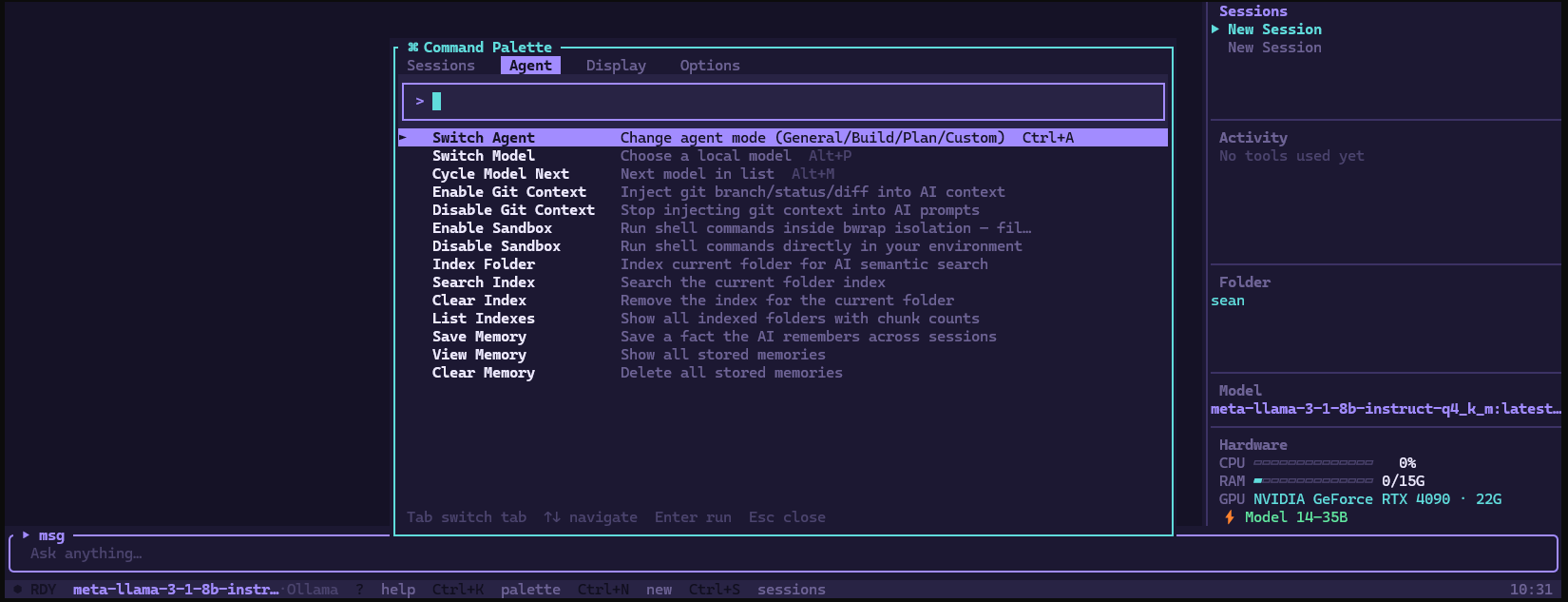
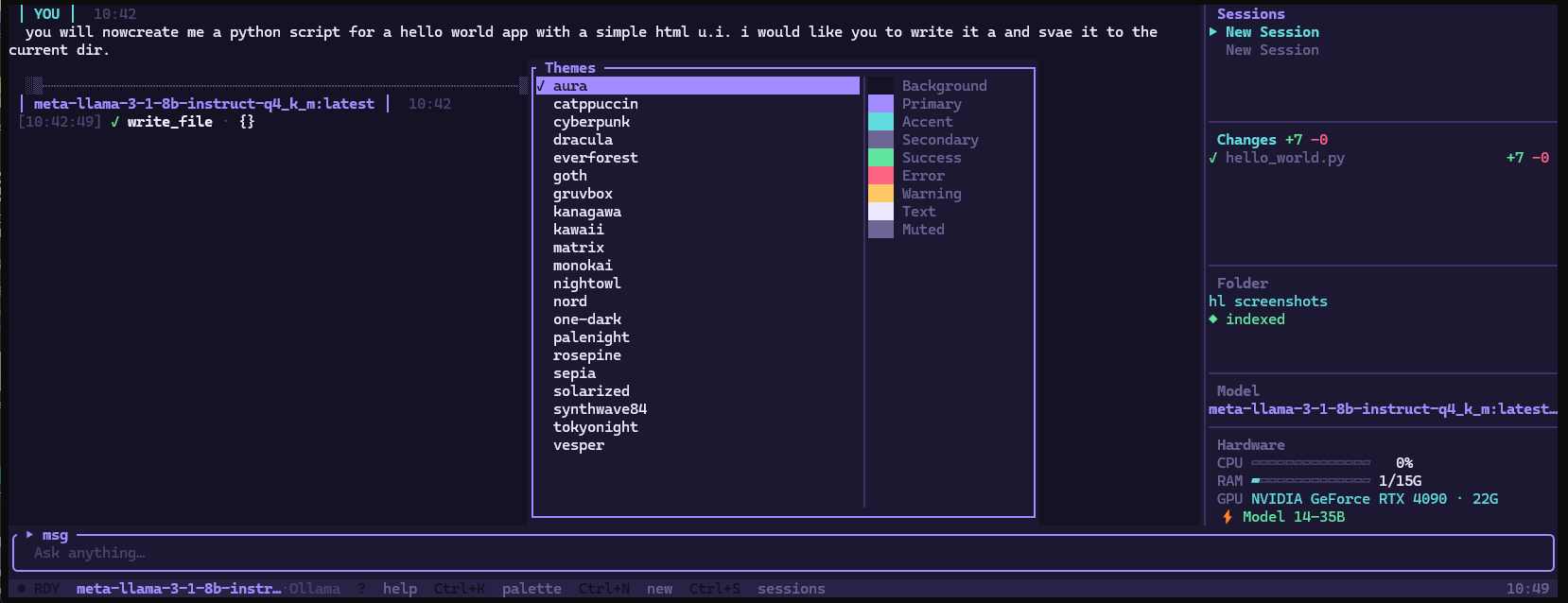
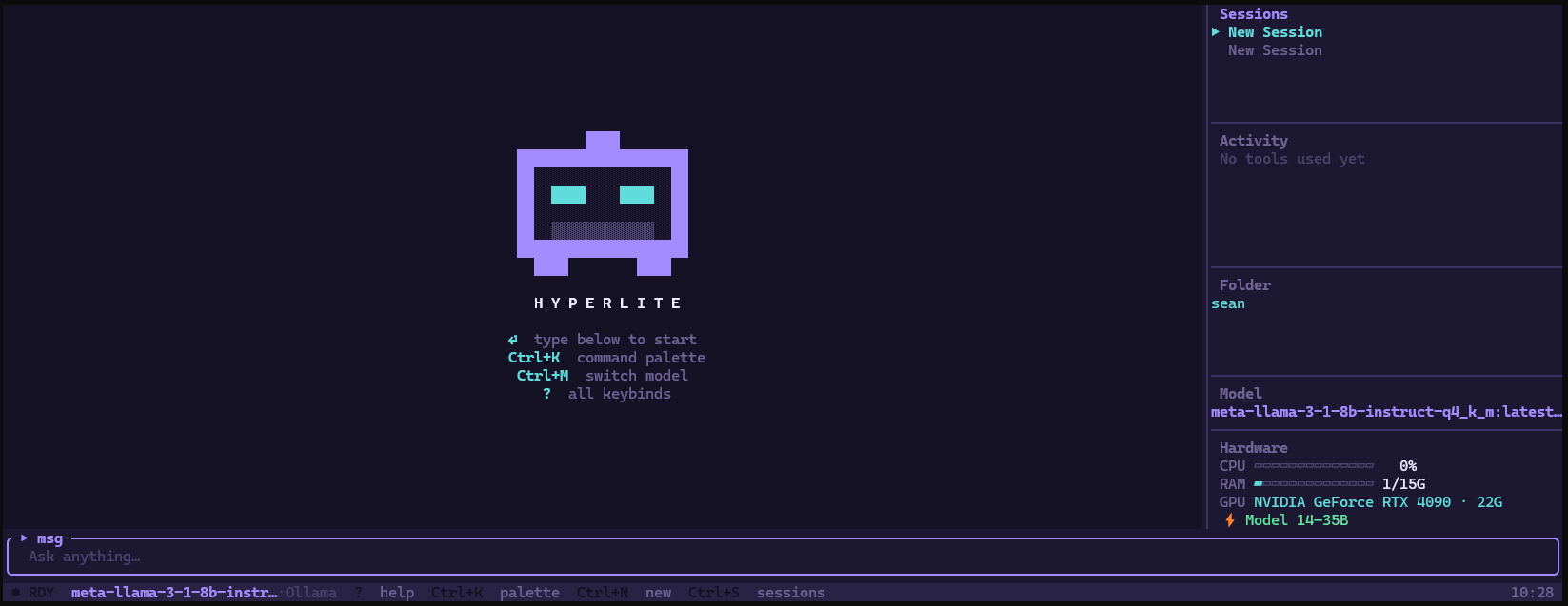
Tokens stream directly from the inference server. Hardware — CPU, RAM, GPU — visible in the sidebar. Model and provider shown at a glance. Agent tab in the command palette controls everything AI-related.
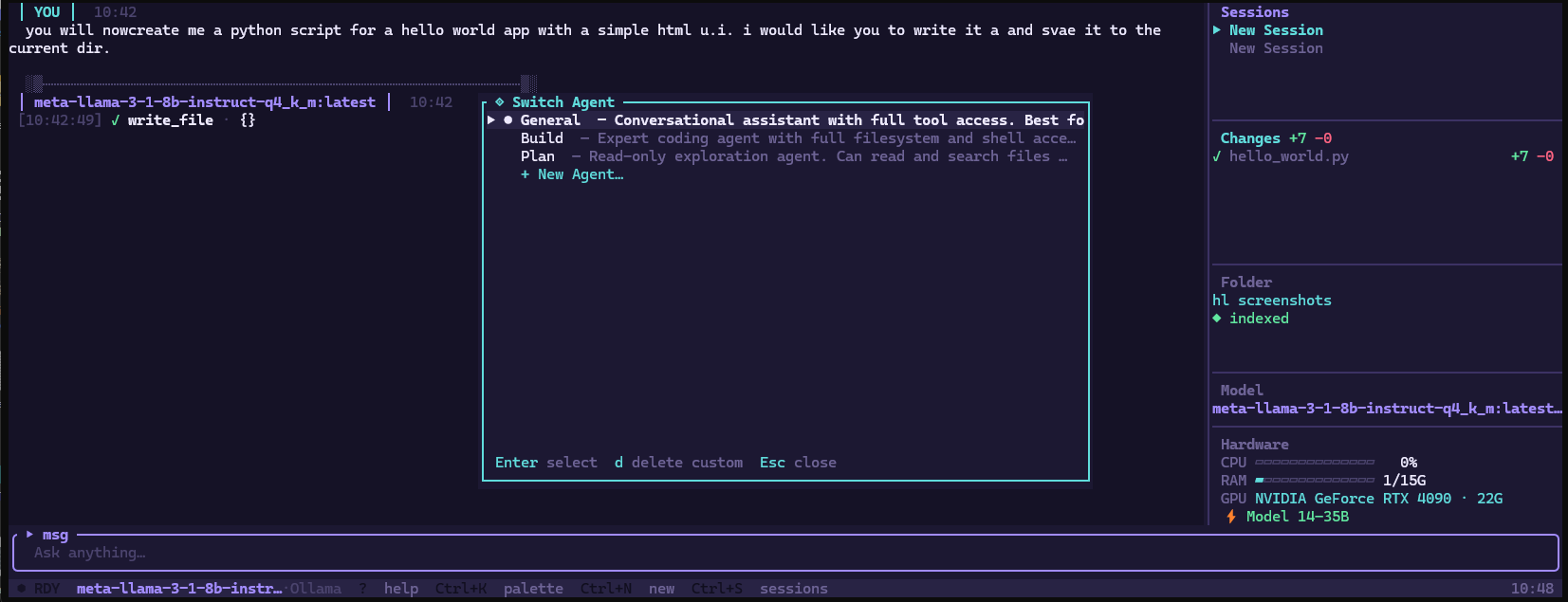
Switching models is Alt+P. Switching agents is Ctrl+A. On an RTX 4090 with a 14B model, expect 50+ tok/s. Switching models mid-conversation compacts the session history first so the new model starts clean.
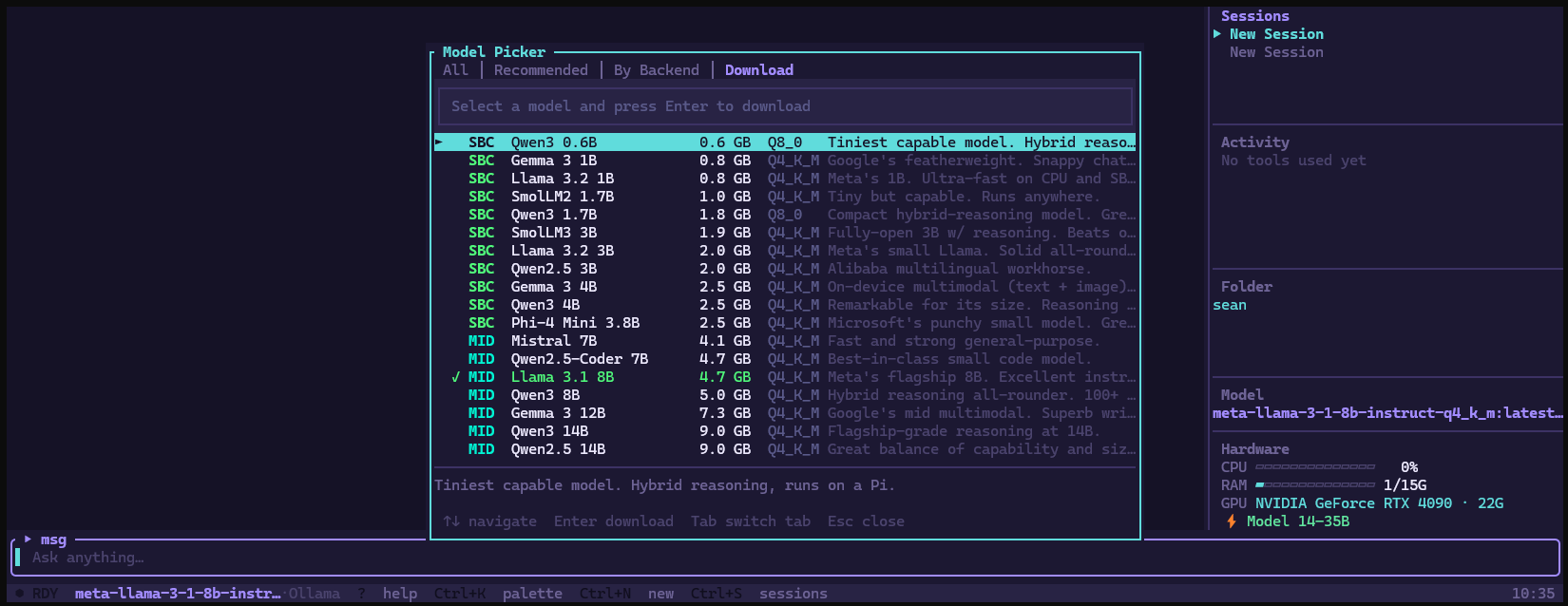
Built-in model picker lists recommended GGUF models filtered to your hardware. Select and press Enter to download directly from HuggingFace CDN with a live progress bar.
Models saved to ~/.hyperlite/models/ and available immediately. SmolLM2 1.7B to Llama 3.3 70B.
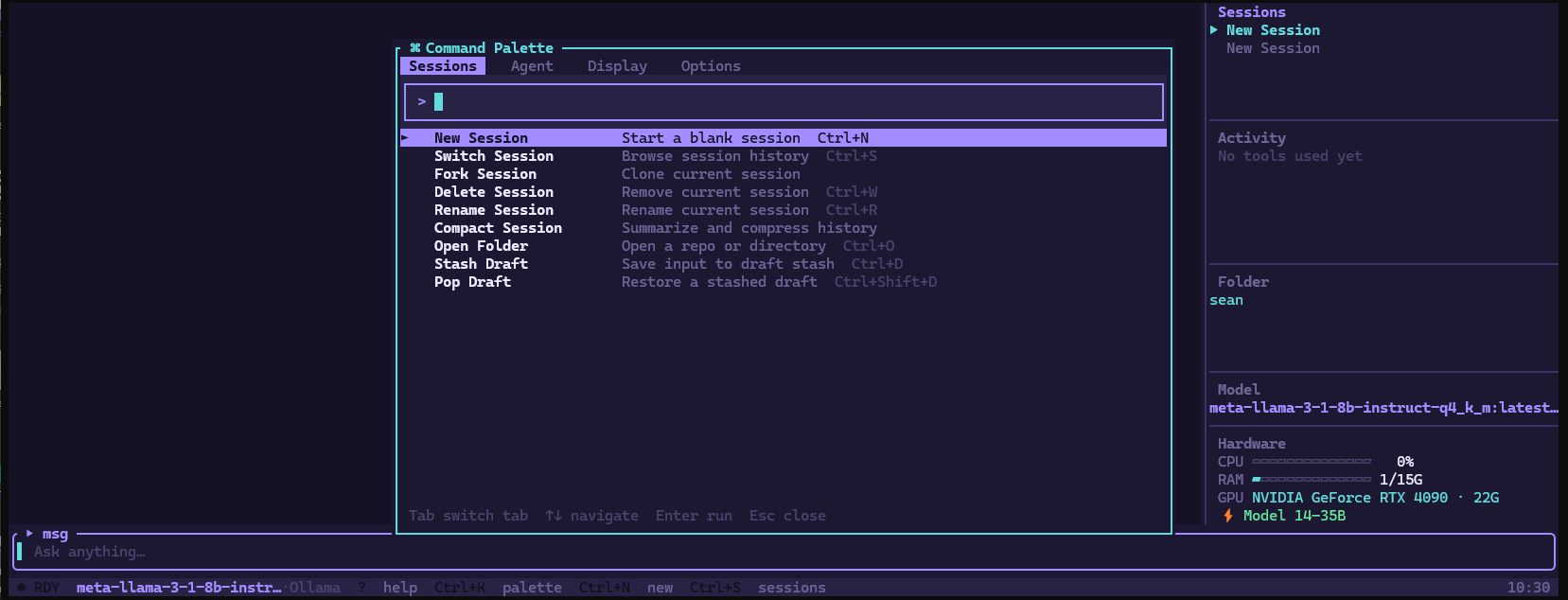
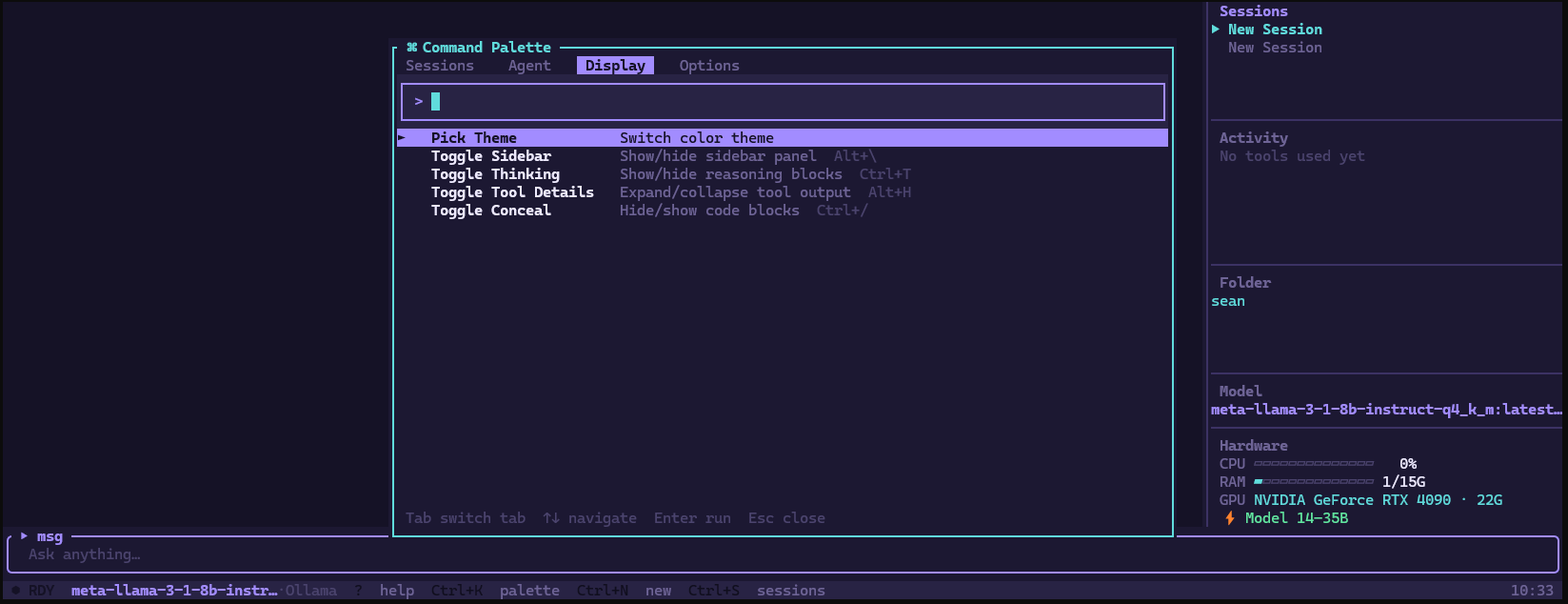
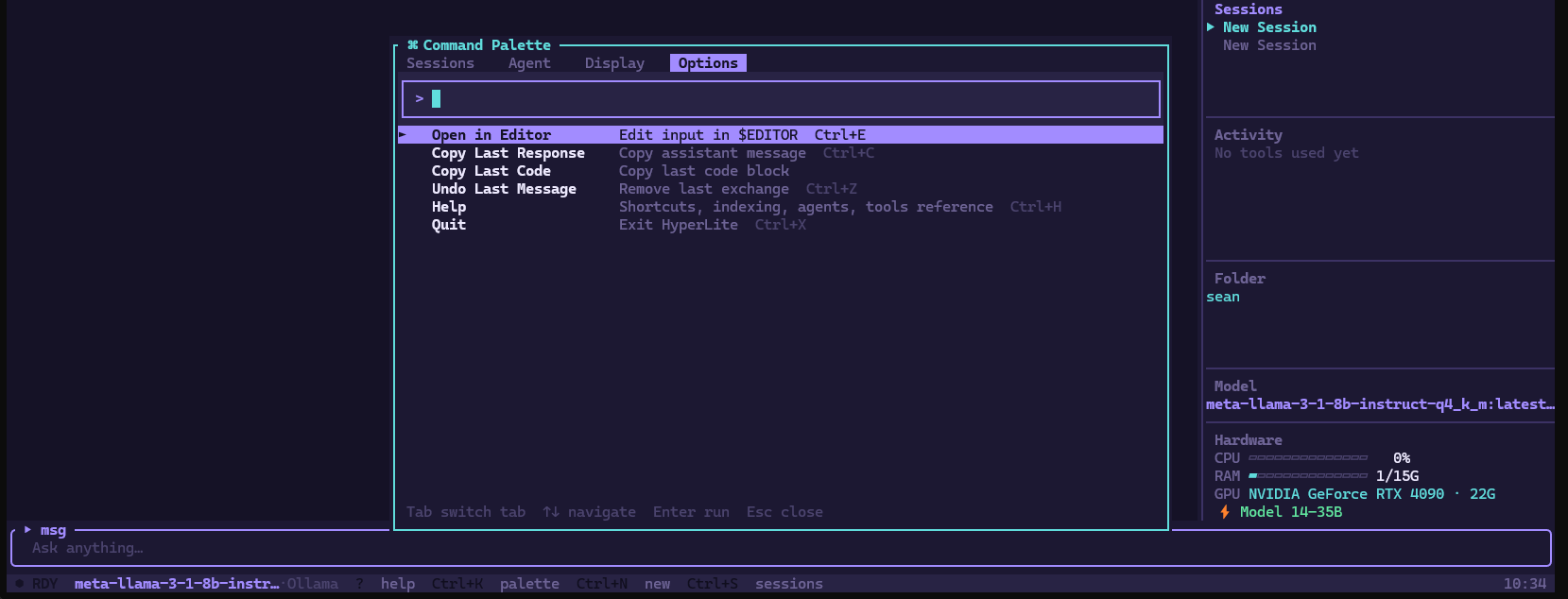
Press Ctrl+K for the command palette. Four tabs — Sessions, Agent, Display, Options. Agent tab is home to model switching, RAG indexing, memory, sandbox mode, and git context controls.
Tab between panels. Arrow keys navigate. Enter runs. Esc closes.
HyperLite ships as a single statically-linked binary — hl. No Python environment. No Node.js. No Docker. No daemon running in the background. Copy it to any machine and it runs.
The entire application — TUI, inference routing, tool execution, RAG, memory, streaming — is ~15 MB on disk.
A unified provider layer speaks to Ollama, llama-server, LM Studio, Jan, GPT4All, KoboldCpp, LocalAI, vLLM, and TextGen WebUI through one interface. Switching backends is a model selection — nothing else changes. The same conversation continues, the same tools work, the same agents run.
When Ollama is present it takes priority for GPU acceleration. When it's not, HyperLite spawns llama-server with parameters derived from your actual hardware — VRAM, core count, architecture — not hardcoded defaults.
Native function calling (OpenAI tool-use format) requires specific model support. HyperLite's tool system doesn't. It parses <tool_call> XML blocks from any model's output in real-time during streaming, executes the tool, and feeds the result back.
The result: file reads, writes, shell execution, web search, git operations, and 36 other tools work with SmolLM 1.7B the same way they work with a 70B model. The model's capability determines quality. The architecture doesn't impose a ceiling.
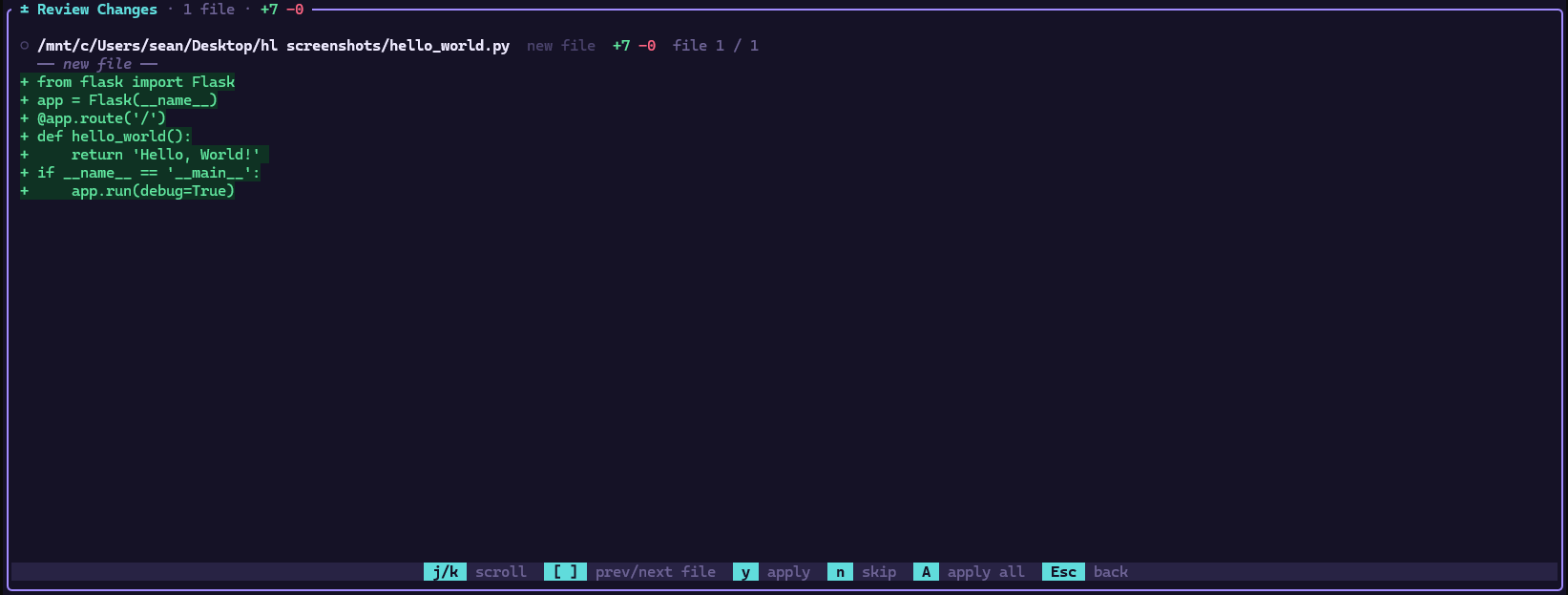
Every file write is intercepted before hitting disk. The proposed change renders as a syntax-highlighted diff — green for additions, red for deletions — with the confirmation prompt appearing after all content so you read before you decide.
This isn't a setting. It's the architecture. The tool dispatcher routes write_file and edit_file through a pending diff queue before execution. Approve or discard. The AI never writes without explicit confirmation.
No telemetry. No API keys required. No cloud. Every piece of the stack runs on your machine: inference on your GPU, semantic search via local ONNX embeddings indexed into SQLite, conversation history in SQLite — session-branching capable, never leaves your machine.
The only outbound requests are ones you explicitly trigger: web search, http_fetch, model downloads from HuggingFace. Everything else is air-gapped by default.
The context window is calculated at startup from real hardware detection — not a hardcoded value. A 24 GB GPU gets 32 768 tokens. A 10 GB card gets 16 384. The system reads what you have and configures accordingly, per-request.
When you switch models mid-conversation, HyperLite compacts the full history using the current model before handing off — a clean factual summary the new model can work from without confusion.
A purpose-built variant for the Raspberry Pi 5 and ARM64 single-board computers. Stripped down and optimised — no RAG embedding overhead, no memory embedding model, no ONNX runtime. Just a native ARM64 binary and the fastest possible inference for the hardware.
| Model | Params | Tokens/sec |
|---|---|---|
| SmolLM2 | 1.7B | 35–50 |
| Qwen2.5 | 3B | 22–32 |
| Phi-4 Mini | 3.8B | 18–28 |
| Llama 3.2 | 3B | 20–30 |
| Mistral | 7B | 10–14 |
| Llama 3.1 | 8B | 9–13 |
The standard llamafile is an x86_64 binary. Running it on a Pi triggers QEMU emulation — 5–10× slower. HyperLite-PI compiles llama-server natively from source on first launch, targeting Cortex-A76 directly.
Compiler auto-detects the CPU and enables every available instruction set — NEON SIMD, int8 dot product, hardware AES. All the gains from the silicon already in the Pi.
KV cache stored at Q8 instead of F16 — halves memory bandwidth per token. Model weights locked in RAM with --mlock — no page faults during inference.
No ONNX runtime, no fastembed, no embedding model download. RAG, persistent memory, and the git agent are intentionally excluded — a Pi needs every bit of RAM for the LLM, not infrastructure overhead.
All backends probed concurrently at startup. Only reachable servers appear in the model picker. On Linux and WSL2, Ollama is detected first and used as the GPU inference path when available.
| backend | port | formats | |
|---|---|---|---|
| Ollama | 11434 | GGUF · GGML · SafeTensors | GPU preferred |
| Direct GGUF | 18080 | GGUF · GGML | auto-managed |
| llama.cpp | 8080 | GGUF · GGML | external |
| LM Studio | 1234 | GGUF · EXL2 | external |
| KoboldCpp | 5001 | GGUF · GGML | external |
| text-generation-webui | 5000 | GGUF · GPTQ · AWQ · EXL2 · SafeTensors | external |
| LocalAI | 8080 | GGUF · GPTQ · SafeTensors · ONNX | external |
| vLLM | 8000 | SafeTensors · GPTQ · AWQ · EXL2 | external |
| Jan.ai | 1337 | GGUF | external |
| GPT4All | 4891 | GGUF | external |